What to know before you choose
- Use an everyday model as the baseline before considering an Ultra or foldable.
- Compare current Galaxy A devices when standard work apps and fleet cost are the priority.
- Check support, Enterprise Edition availability and management requirements for each product code.
Compare specifications and the price premium
See the S26, S26+ and Ultra price differences, compare Fold8, Fold8 Ultra and Flip8, or use the team handset cost calculator. Each comparison matches storage and explains the reference-price basis.
A Samsung shortlist by role
| Work requirement | Models to consider | What should decide it? |
|---|---|---|
| Calls, email and everyday work apps | Galaxy A57, A37 and Galaxy S26 | App performance, remaining support and total cost |
| A larger conventional screen | Galaxy S26+ | Whether the employee benefits from more display area |
| Pen input and visual privacy in shared spaces | Galaxy S26 Ultra | A real need for S Pen or Privacy Display |
| Frequent document work on a folding screen | Galaxy Z Fold8 range | App layout, carrying comfort and repair arrangements |
| Outdoor, warehouse and field work | Galaxy XCover7 Pro | Worksite needs, battery changes and accessories |
| Larger frontline forms and drawings | Galaxy Tab Active5 Pro | Tablet workflow, connectivity and mounting |
This is a starting point for a comparison, not a live stock list. Confirm the exact UK model, storage, condition and availability before making a purchasing decision. The latest phone library includes the current foldable guides.
Everyday teams: compare Galaxy A before assuming flagship
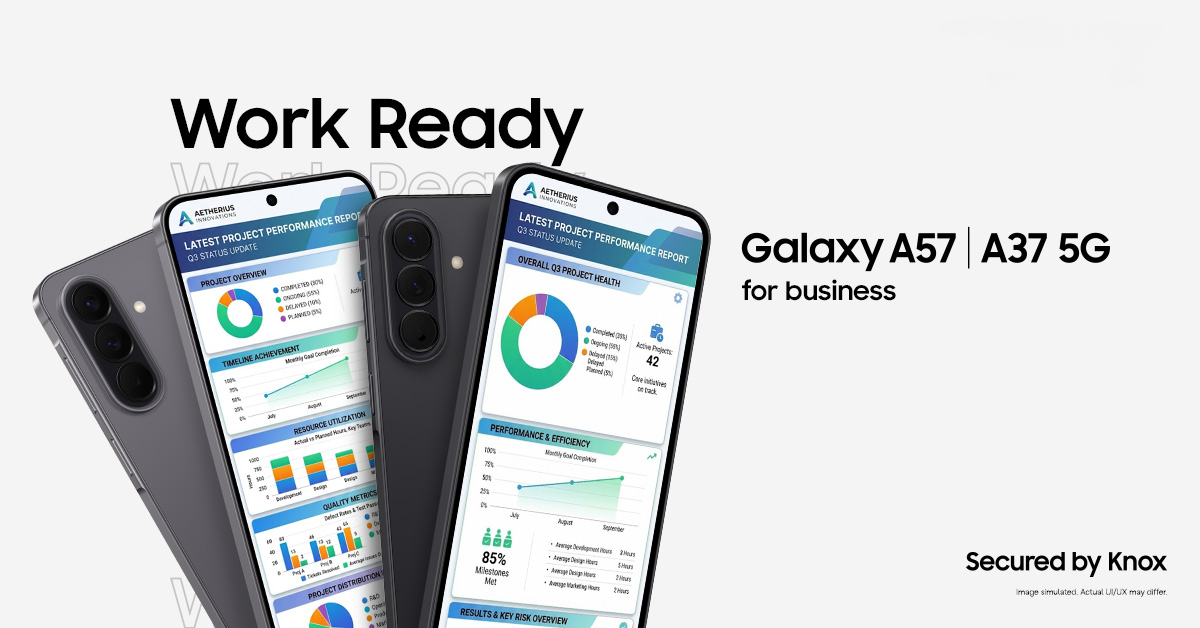
Samsung's current A57 and A37 range deserves a place in the shortlist where employees mostly use calls, messaging and standard work apps. Run those apps on the proposed device and check how it behaves during a normal working day.
Do not assume its AI, DeX or other features match the Galaxy S series. Ask for the specific capabilities that matter to the role. If a requirement only exists because of a marketing headline, test whether it helps the employee before paying more.
Galaxy S26 and S26+: conventional flagship options
The S26 and S26+ offer different screen sizes in a familiar phone format. Start with carrying comfort and the documents or apps the user actually opens. Someone taking calls while travelling may prefer a different size from a person regularly reviewing tables on screen.
Use our S26 range comparison to compare the models before requesting a quote. Test work-app compatibility and the required AI functions alongside the hardware.
Galaxy S26 Ultra: specify the reason for the upgrade
The Ultra is worth a closer look where S Pen input, its camera system or Privacy Display solves a recurring work problem. Give the user a task to demonstrate: annotating a plan, capturing evidence for a report or reading information in a shared space.
Balance those needs against handset size, accessories, repair cost and the full agreement. An Ultra can be suitable for selected roles without being the default for the entire company.
Foldables and rugged devices: pilot the working day
A folding display should earn its place through useful application behaviour. Try side-by-side work, documents, keyboard input and the transition between folded and open screens. Agree repair and replacement arrangements before a wider order.
For rugged Samsung devices, focus on the shift and the environment. Include chargers, spare batteries, gloves, mounts and any specialist requirements in the pilot.
Use the same buying checklist for every model
Record the device edition, support end date, management-enrolment route, accessories and fault process. Then compare network coverage at the places staff work, data needs, annual price changes, VAT basis and total cost over the proposed term.
An Enterprise Edition variant may be worth comparing for predictable rollout and support. Establish the UK benefits and licence conditions for the model you are actually buying.
Request a mixed fleet comparison
Group employees by requirement and give a quantity for each group. Include current renewal dates and the number of new starters expected during the year. Compare a consistent baseline with targeted upgrades for the roles that can justify them.
Compare The Networks is a Samsung One Partner and compares business mobile options from EE, Vodafone, O2 and Three. Request a quote with the model choices and any Enterprise Edition requirements clearly listed.
Frequently asked questions
Which Samsung phone is best for a small business?
Start with the work apps, support needs and budget. Compare an everyday Galaxy A option with the standard S26, then consider premium features only where they help a particular role.
Is Galaxy S26 Ultra always the best business choice?
No. Its additional features should meet a practical need. Compare the full cost and size with standard models before choosing it for the whole team.
Can we mix rugged and ordinary Samsung phones?
Yes, you can request a comparison with different models for different roles. Confirm that your IT team can manage and support the selected range.
Are the models listed here in stock?
This is an editorial shortlist. Availability, storage, colour, device edition and network options are checked with the quote.
Samsung sources and further reading
Product and support details checked against the sources below on 8 September 2026. Confirm the exact UK model and terms with your quote.
Put the right Samsung devices to work
Tell us the roles, number of handsets, work locations and renewal dates. Request a comparison of device, network and contract options for your business.
Get a free Samsung quoteMinimum 24-month business contracts. Availability, Enterprise Edition benefits and any software or service charges are confirmed with your quote.