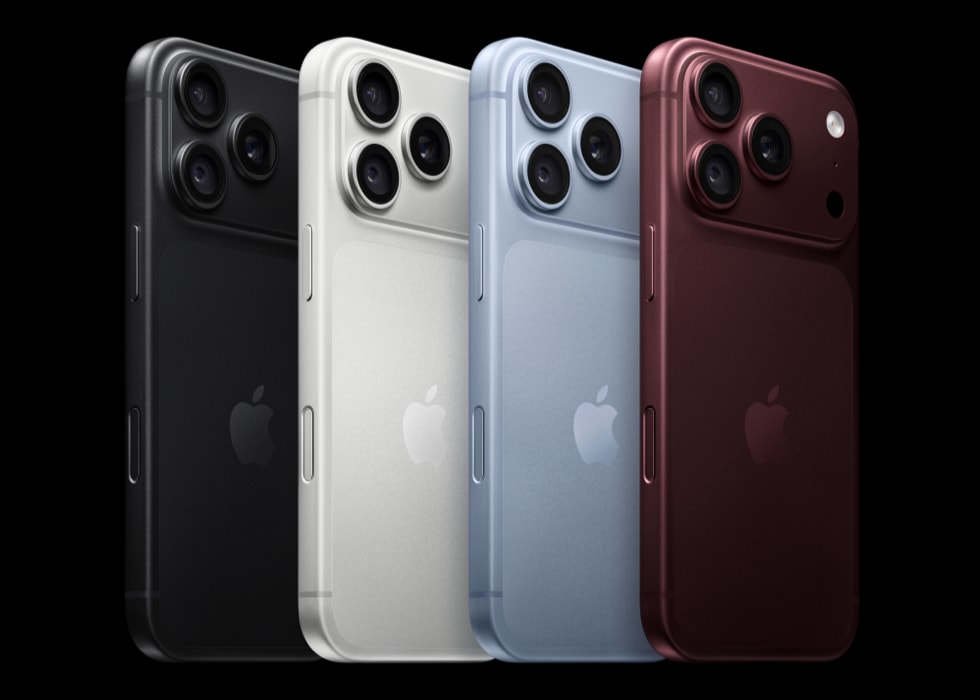
Start with Apple's supported hardware list
Apple's requirements guide lists iPhone 15 Pro models and iPhone 16 models or later as supported hardware. The distinction between an ordinary iPhone 15 and an iPhone 15 Pro matters when reviewing a business inventory.
The newly announced iPhone 18 Pro models and iPhone Duo also include Apple Intelligence in their launch specifications. Check the individual feature requirements rather than assuming every experience behaves identically across the range.
| iPhone group | Apple Intelligence hardware position |
|---|---|
| iPhone 15 and iPhone 15 Plus | Not included in Apple's supported hardware list |
| iPhone 15 Pro and iPhone 15 Pro Max | Supported, subject to software and feature requirements |
| iPhone 16 generation and later supported models | Included in Apple's stated hardware requirement |
| iPhone 18 Pro and iPhone 18 Pro Max | Apple Intelligence included in the launch announcements |
| iPhone Duo | Apple Intelligence included in its launch announcement |
| Earlier iPhones | Do not assume a software update adds the required hardware capability |
Use the exact model name from the device record. A shorthand label such as “staff iPhone 15” can hide whether the employee has the supported Pro version.
Check software, storage and language
Apple lists an iOS baseline of 18.1 or later for Apple Intelligence, with newer features requiring later releases. That baseline is not a recommendation to keep an older software version in service; use the version approved and maintained by your business.
The current support guide specifies 7 GB of device storage and the same supported language for the device and Siri. Feature availability also varies by language and region. Recheck the source when preparing a rollout because requirements can change.
For the practical setup sequence and missing-feature checks, use how to use Apple Intelligence on an iPhone.
Compatibility does not prove that a work task is ready
A supported phone may still lack the software version, application support or company permission required for the intended task. Create a small test for the feature the employee actually needs.
For example, if the goal is clearer customer-message drafting, test Writing Tools in the application used to prepare the message. If the requirement is a new assistant capability, check its rollout status and language support separately. A general Apple Intelligence setting is not evidence that every announced function is available.
Review the fleet before approving replacements
Create an inventory with exact model, assigned user, current software, free storage and the desired AI task. Ask the administrator to identify any restrictions and whether the phone is otherwise suitable for continued use.
Divide the list into three practical groups:
- Ready to trial: supported devices with the required software and approved settings.
- Needs setup work: suitable hardware where updates, storage or company configuration need attention.
- Needs a buying decision: unsupported or unsuitable devices for a role with a demonstrated requirement.
This prevents a model launch from becoming an automatic replacement programme. Some employees may already have what they need; others may need a newer phone for reasons beyond AI.
When a replacement is justified
Compare device condition, essential apps, network coverage and support arrangements alongside AI. The new iPhone business comparison helps decide between Pro, Pro Max and Duo where those models belong on the shortlist.
For several replacements, use the fleet order guide to specify quantities and deployment needs. Ask the supplier to confirm the exact model and configuration rather than accepting a broad generation name.
Frequently asked questions
Does iPhone 15 have Apple Intelligence?
Apple's supported list includes iPhone 15 Pro and Pro Max, not the standard iPhone 15 or 15 Plus. Check the full model name.
Do we need iPhone 18 for Apple Intelligence?
No. Earlier supported models may already meet the requirement. Evaluate the particular AI feature and working task before ordering replacements.
Does supporting a recent iOS version mean a phone supports AI?
No. Operating-system compatibility and Apple Intelligence hardware requirements are separate checks.
Can the business restrict AI on a supported phone?
Yes, company management can affect access to features. Ask the administrator to check the relevant software, management support and policy configuration.
Continue your business comparison
- How to Use Apple Intelligence on iPhone for Work
Set up Apple Intelligence on a work iPhone, try Writing Tools and troubleshoot missing features. Includes a practical first exercise and company setup checks.
- Apple Intelligence for Business
Explore Apple Intelligence for business: useful iPhone AI tasks, Siri AI launch timing, compatible devices and a practical pilot for your team.
- iPhone 18 Pro vs Pro Max vs Duo for Business
Compare iPhone 18 Pro, Pro Max and Duo for business use. Choose by working tasks, launch timing, app support and total fleet cost rather than model alone.
- Bulk iPhone 18 Business Deals UK
Plan a bulk iPhone 18 business order with model quantities, delivery groups, device setup and support. Download the fleet brief and request a team quote.
Put your business requirements into a quote
Tell us your preferred models, number of lines, coverage locations and renewal dates. We will check the available options and explain the costs.
Compare business options